slot gacor slot pulsa slot gacor slot depo 10k https://shoof-storee.com/ Slot Dana slot pulsa slot online https://fptcapital.com.vn/ https://booking.ishine.sch.id/
Decrypt Zte Config.bin |link| Jun 2026
USD ($)
$
United States Dollar
Euro Member Countries
India Rupee

Decrypt Zte Config.bin |link| Jun 2026

Engaging & Structured Islamic Lessons for Age 6-13

✓ Islamic Education for all walks of Life ✓ Ages 6–13 ✓ Free 14-day trial

An Overview of The Tarbiyah

Decrypt Zte Config.bin |link| Jun 2026

If you run into issues during the decryption process, feel free to share your specific and the exact error message you are seeing so we can find the correct tool or script for your device. Share public link

: For the safest and most reliable guidance, consider contacting ZTE support directly. They can provide advice tailored to your specific situation and device model.

While decrypting your configuration file is a great troubleshooting step, it highlights an important security reality:

If supported, the software will display a clean text list of your Wi-Fi keys and login passwords. Method 2: Python-Based Decryption Scripts (Most Reliable)

Open your terminal and clone a reputable ZTE configuration utility or install dependencies. Many modern scripts require the pycryptodome library for AES decryption. pip install pycryptodome Use code with caution. Step 2: Download the Decryption Script Decrypt Zte Config.bin

Method 1: Decrypting via Specialized Python Scripts (Recommended)

In this post, I’ll walk through the two most common methods to decrypt ZTE config.bin files: using the and using ZTE-specific Python scripts .

Because XOR is symmetric, applying the same key to the ciphertext returns the plaintext. This “encryption” is trivial to break.

: A specific byte sequence identifying the file type (e.g., ZTE , ZXHN , or encrypted signatures). If you run into issues during the decryption

: Log into your ZTE gateway interface, navigate to Management/System Tools -> User Config Archive , and export the config.bin file.

If automated tools fail, you can try manual analysis:

Decrypting a ZTE config.bin file allows users to recover hidden ISP credentials (like PPPoE passwords), change TR-069 management settings, or enable locked features like Telnet and SSH. Because these files are often encrypted using AES-CBC or XOR-based algorithms, they cannot be opened in a standard text editor without first being converted back to XML format. Core Tools for Decryption

: Modify configuration parameters directly and re-encrypt the file to upload back to the device. Understanding ZTE Encryption Mechanics While decrypting your configuration file is a great

: While older models sometimes used hardcoded keys, modern versions derive keys dynamically from device-specific identifiers like the Serial Number , MAC Address , or even unique salts stored in internal router databases.

Some tools can attempt to recover the serial number by analyzing the known plaintext structure. For example, every config.bin contains predictable headers like <DeviceInfo> or <?xml version="1.0" . A known-plaintext attack can XOR or backtrack the key. This is computationally intensive but feasible for short serials (10 characters).

Example command:

Engaging & Modern

Colorful animations, storytelling, and interactive quizzes make learning joyful, helping children form a real love for Islam while staying curious about the world.

Integrated, Not Isolated

Where faith illuminates every subject, ensuring Islamic values are a living part of your child’s education.

Micro activities help your child’s learning

Short, playful tasks build focus and confidence. Try this quick activity—sort actions into Good Manners and Bad Manners.

Good vs Bad Manners
Score: 0/8
Drag & drop, or tap to select then tap a basket ✨
😊 Good Manners
😕 Bad Manners

Decrypt Zte Config.bin |link| Jun 2026

Fiqh

Prophets (Anbiyāʾ) — tap a symbol

Tap a symbol to learn.
Want to know full stories?
TRY IT FOR FREE

How your Free trial works?

Unlock learning today, check in around day 12, and decide with confidence on day 14.

Today
Unlock your 14-day trial

Create your parent account and start exploring everything—no obligation, cancel anytime.

Day 12
Check your progress

Keep an eye on your days. Try a few lessons—quizzes, stories, and activities your child will love.

Day 14
Choose what’s next

Love it? Continue with a plan and keep learning. If not, no worries—no charges during the trial.

VIEW PLANS

Simple, family-friendly pricing

Start your 14-day free trial. Cancel anytime.

Beta Version Package

$ 7.99 /mo
  • 1 child profile
  • Access to all Lessons
  • Basic progress tracking
  • Email support
Start free trial

Prices shown in USD. Switch to 8-month billing to save 25%. Cancel anytime.

That's Just $5.99/Month! Get 2 MONTHS FREE

If you run into issues during the decryption process, feel free to share your specific and the exact error message you are seeing so we can find the correct tool or script for your device. Share public link

: For the safest and most reliable guidance, consider contacting ZTE support directly. They can provide advice tailored to your specific situation and device model.

While decrypting your configuration file is a great troubleshooting step, it highlights an important security reality:

If supported, the software will display a clean text list of your Wi-Fi keys and login passwords. Method 2: Python-Based Decryption Scripts (Most Reliable)

Open your terminal and clone a reputable ZTE configuration utility or install dependencies. Many modern scripts require the pycryptodome library for AES decryption. pip install pycryptodome Use code with caution. Step 2: Download the Decryption Script

Method 1: Decrypting via Specialized Python Scripts (Recommended)

In this post, I’ll walk through the two most common methods to decrypt ZTE config.bin files: using the and using ZTE-specific Python scripts .

Because XOR is symmetric, applying the same key to the ciphertext returns the plaintext. This “encryption” is trivial to break.

: A specific byte sequence identifying the file type (e.g., ZTE , ZXHN , or encrypted signatures).

: Log into your ZTE gateway interface, navigate to Management/System Tools -> User Config Archive , and export the config.bin file.

If automated tools fail, you can try manual analysis:

Decrypting a ZTE config.bin file allows users to recover hidden ISP credentials (like PPPoE passwords), change TR-069 management settings, or enable locked features like Telnet and SSH. Because these files are often encrypted using AES-CBC or XOR-based algorithms, they cannot be opened in a standard text editor without first being converted back to XML format. Core Tools for Decryption

: Modify configuration parameters directly and re-encrypt the file to upload back to the device. Understanding ZTE Encryption Mechanics

: While older models sometimes used hardcoded keys, modern versions derive keys dynamically from device-specific identifiers like the Serial Number , MAC Address , or even unique salts stored in internal router databases.

Some tools can attempt to recover the serial number by analyzing the known plaintext structure. For example, every config.bin contains predictable headers like <DeviceInfo> or <?xml version="1.0" . A known-plaintext attack can XOR or backtrack the key. This is computationally intensive but feasible for short serials (10 characters).

Example command:

Coming Soon 🚀

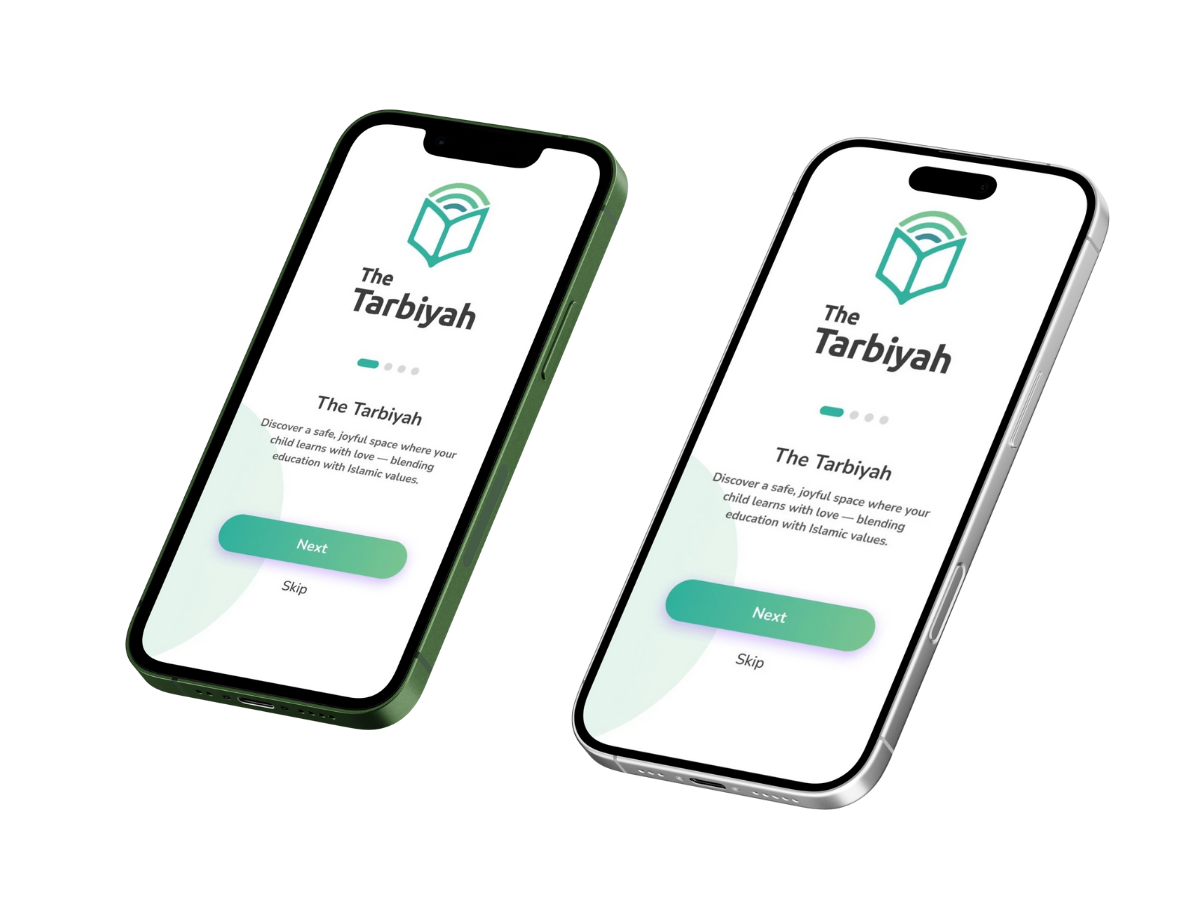
The Tarbiyah Mobile App

Our mobile app is on the way! It will make the learning journey smoother, safer, and more engaging:

  • Separate child profiles under one parent account
  • Individual progress tracking for each child
  • Kid-friendly design with safety lock
  • Leaderboard & rewards to motivate learning
  • Holistic evaluation with parent input on behavior and values

✨ Continue learning through the website for now, and get ready for a richer experience with the app — launching soon!

The Tarbiyah App Preview